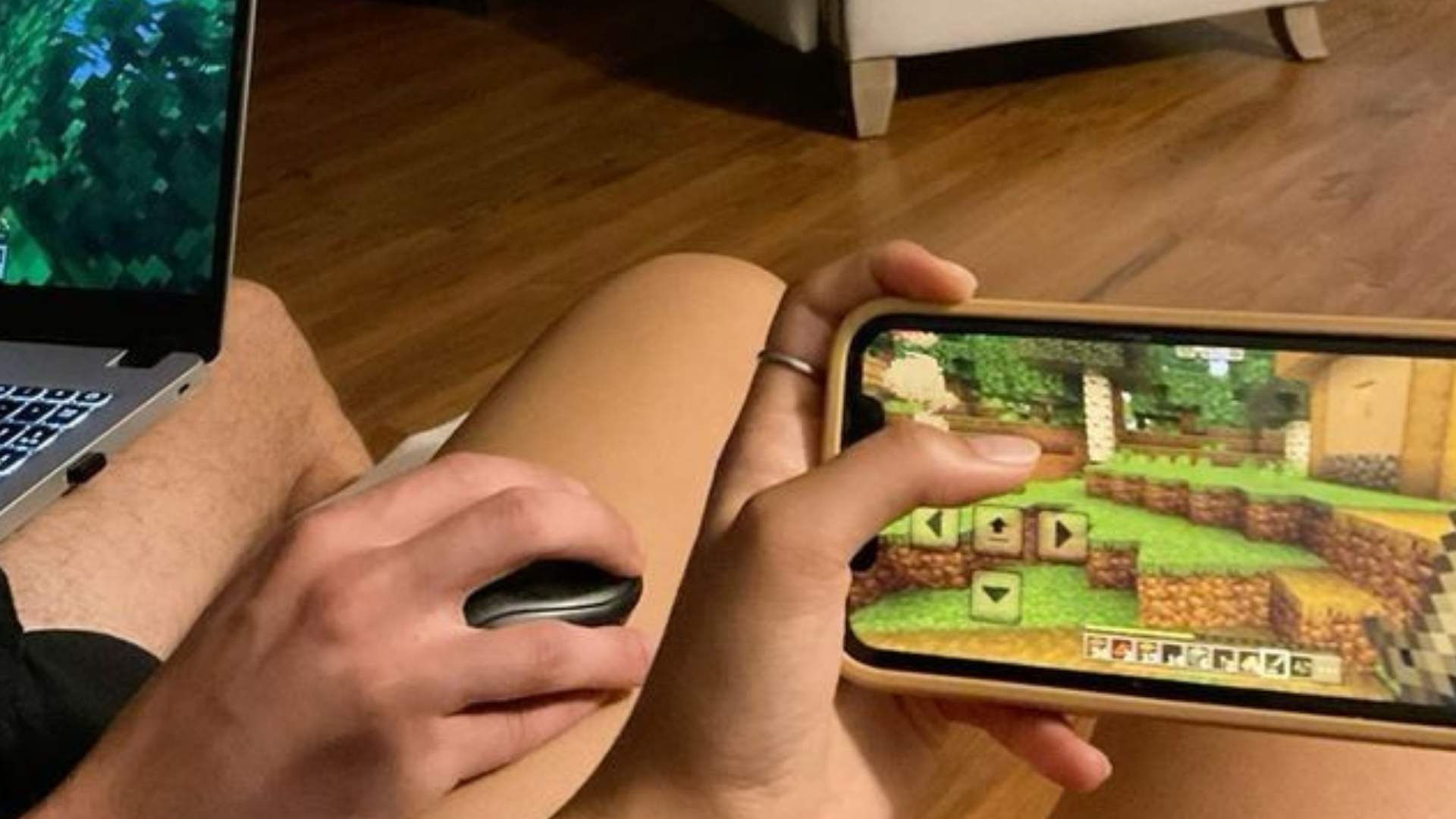
Mobile control schemes have undergone dramatic changes since the early soft-launch days of Brawl Stars. As Supercell refined the core gameplay, player feedback pushed the developers to transition from basic tap-to-move setups to dynamic virtual joysticks. Today, control customizability stands as a fundamental feature that empowers competitive players to optimize their input speed and accuracy across a variety of screen sizes.
The Transition to Twin-Stick Touch Controls
In its initial beta phase, Brawl Stars experimented with tap-to-move mechanics alongside early joystick prototypes. Tap controls provided high precision for positioning but proved cumbersome during fast-paced firefights where rapid aiming was mandatory. Supercell quickly recognized that dynamic dual joysticks delivered the most intuitive foundation for twin-stick shooter gameplay on touch devices.
The shift to fixed and floating virtual sticks dramatically reduced input lag caused by human reaction time. Players gained complete directional freedom over their movement while simultaneously aiming their main attacks. This architectural change laid the groundwork for modern mobile esports mechanics in the title.
Introducing Custom Control Editing Features
As the competitive scene expanded, high-level players demanded granular control over their screen interface. Developers responded by introducing an in-game control edit mode, allowing players to adjust button placement, scale, and spacing. This flexibility addressed major complaints from players using larger tablets or devices with unconventional screen aspect ratios.
Customization made it possible to isolate important inputs like Gadgets, Hypercharges, and Supers from basic attack controls. Preventing accidental misclicks during high-stakes Ranked matches quickly became a game-changer for serious competitors. Players could finally design a layout tailored specifically to their hand size and grip style.
Adapting Layouts for Claw Grips and Tablet Gamers
The introduction of customizable interfaces opened new doors for advanced grip techniques in mobile gaming. Many competitive players adopted three-finger or four-finger claw arrangements, which require key abilities to be located along the top edges of the screen. Placing activation buttons near upper corners allows players to aim and trigger abilities without taking their thumb off the movement stick.
Tablet players also benefit immensely from enlarged hitboxes and spread-out icon positions. On larger displays, default button sizes forced uncomfortable hand stretches that slowed down reaction times. Scaling up critical input icons ensures consistent execution during intense close-quarters skirmishes.
Optimizing Input Placement for Peak Efficiency
Finding the ideal control configuration requires balancing accessibility with clear visual awareness. Crowding too many buttons into one corner can lead to misfires, while spreading them too far apart slows down reaction speed. Testing different configurations in practice matches helps players discover their personal ergonomic sweet spot.
As new combat mechanics like Hypercharge continue to expand the HUD, thoughtful control layout design remains essential for victory. Adjusting button transparency and placement minimizes visual clutter so players can monitor enemy movements clearly. Taking full advantage of custom control settings ultimately separates average ladder pushers from true tournament contenders.